![fc-logo.svg]](https://knowledgebase.foodsconnected.com/hubfs/fc-logo.svg)
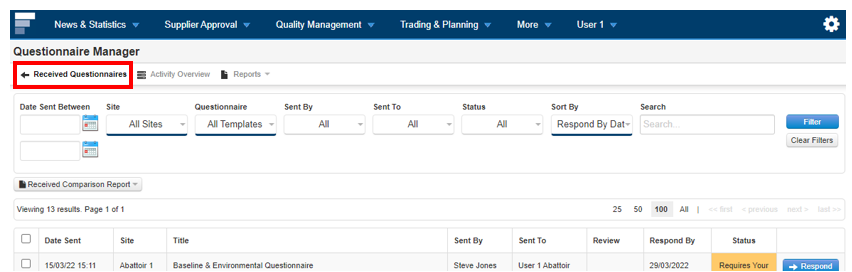
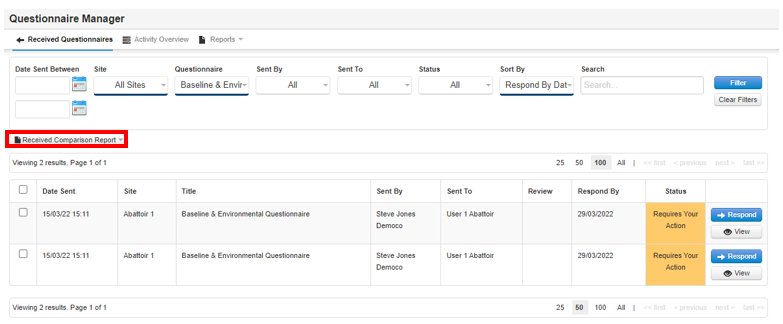
Ensure you are in the Received Questionnaires section of Questionnaire Manager
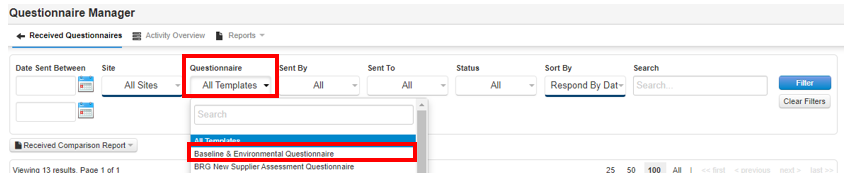
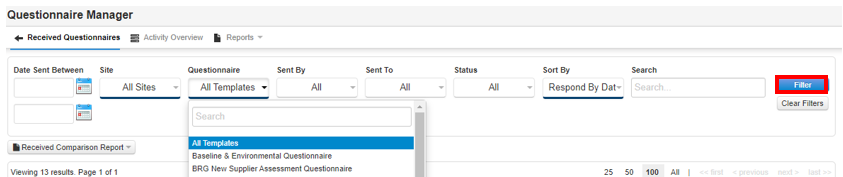
Step 2: Click Filter
Step 3: Click which questionnaires you would like the comparison report on. If you would like all questionnaires included, see steps 4 and 5.
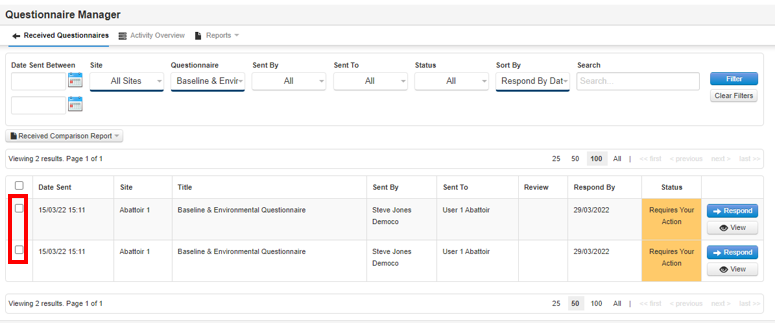
Step 4: Click Received Comparison Report.
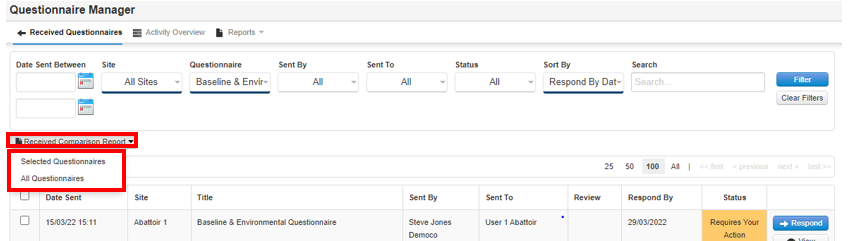
Step 5: If you have selected which questionnaires you want the report from, click Selected Questionnaires. If you would like all questionnaires included, click All Questionnaires.
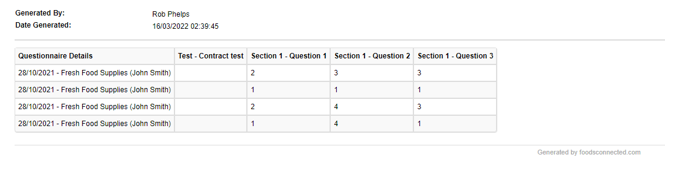
A report is then generated which will look similar to this:
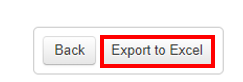
Step 6: To view the report in Excel click the Export to Excel button
Please note that the questionnaires must all be the same for this type of comparison report to work correctly. This also means that only one questionnaire template can be chosen at a time.