![fc-logo.svg]](https://knowledgebase.foodsconnected.com/hubfs/fc-logo.svg)
You may use this before an audit is completed and confirmed. You may need to change an answer or some part of the details for a particular reason.
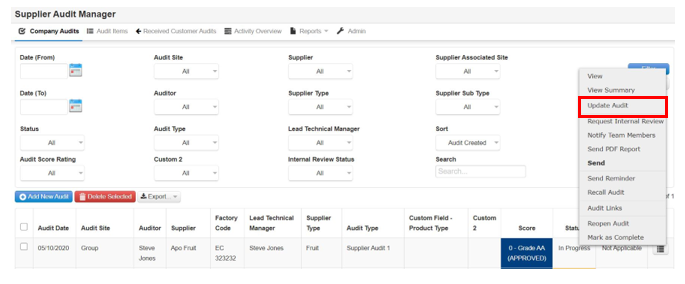
Step 1: Sign in, go to the supplier audit manager, then select the edit button beside the audit and select Update Audit
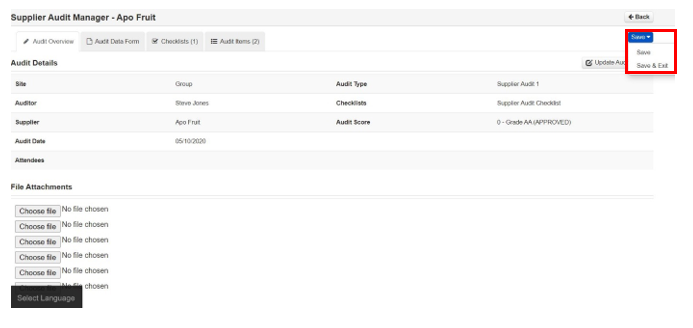
Step 2: Here you can go through the audit as you did earlier when completing it. Follow the steps above.