![fc-logo.svg]](https://knowledgebase.foodsconnected.com/hubfs/fc-logo.svg)
Setting the increments you want to use for the versioning of the documents
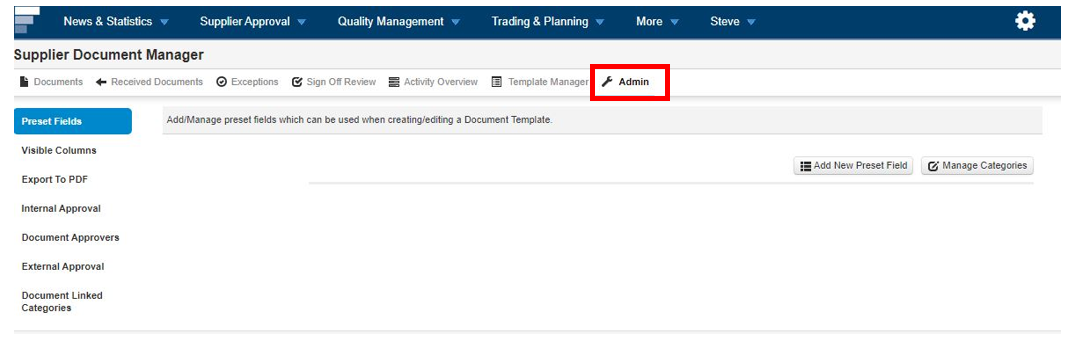
Step 1: Staying in the Admin section of the Supplier Document Manager.
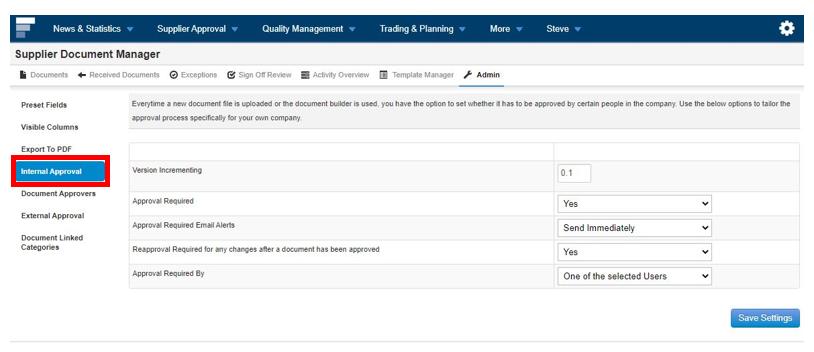
Step 2: Select Internal Approval
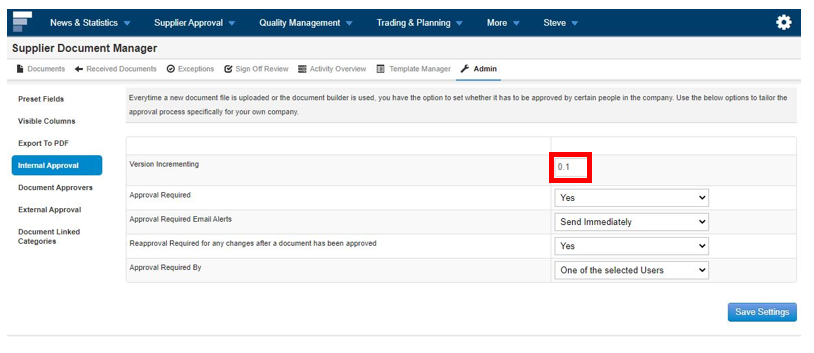
Step 3: On Version incrementing input the increment value for each time you change the document. It is set as 0.1. This means if you change document 1.0 it will now become 1.1.
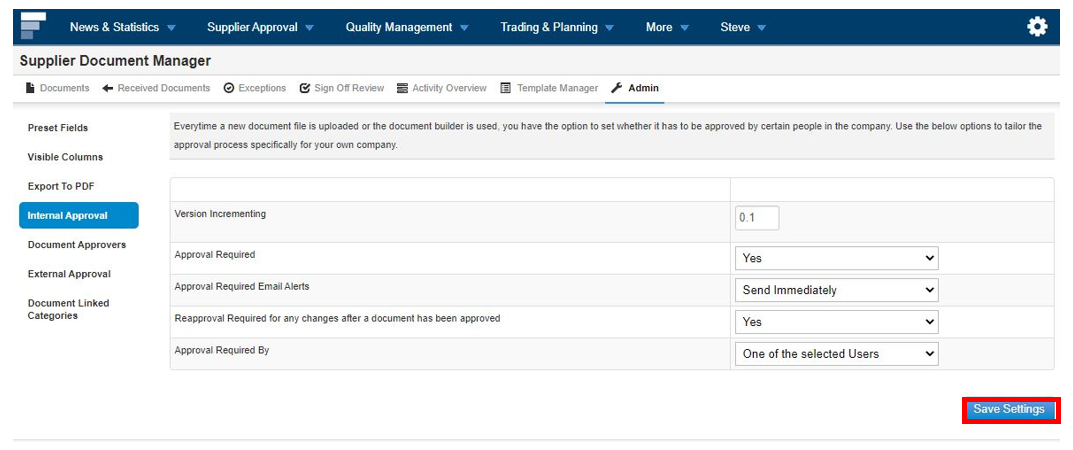
Step 4: Once done select Save Settings