![fc-logo.svg]](https://knowledgebase.foodsconnected.com/hubfs/fc-logo.svg)
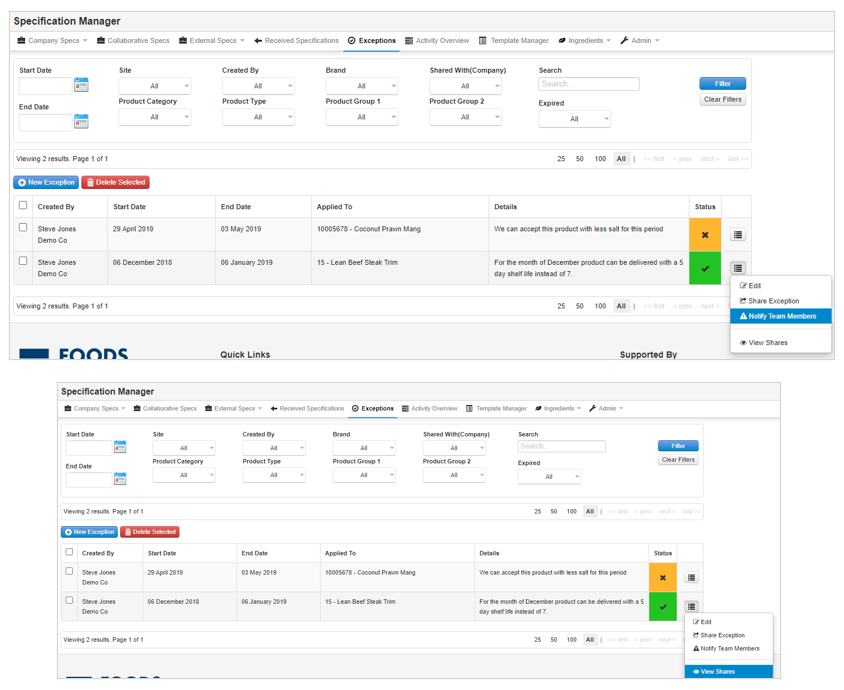
Step 1: From the Exceptions tab, click on the menu button to the right of the exception you would like to notify team members about and select Notify Team Members.
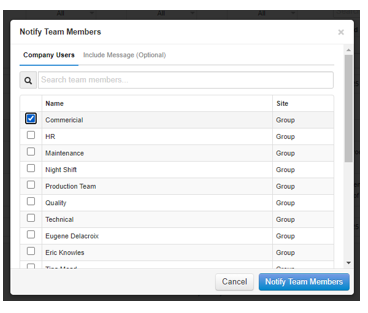
Step 2: This will open a pop-up window for you to select the required user(s) and input an optional message. Click on Notify Team Members to send the notification.