![fc-logo.svg]](https://knowledgebase.foodsconnected.com/hubfs/fc-logo.svg)
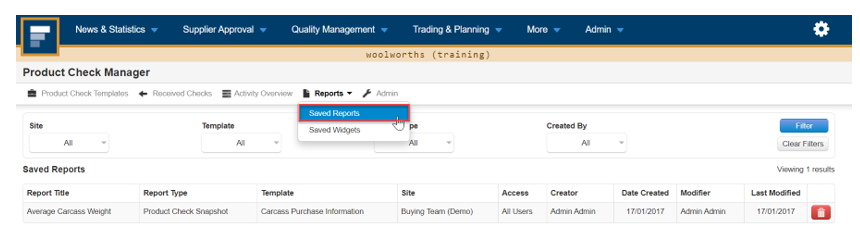
Step 1: In the Product Check Manager, select the Product Check, template that you want to analyse, then select Saved Reports
Step 2: Choose the date range, the fields that you want to analyse & what type of chart.
Step 3: Select Generate Report when done