![fc-logo.svg]](https://knowledgebase.foodsconnected.com/hubfs/fc-logo.svg)
Step 1: The approver will get a notification like this below, select the task
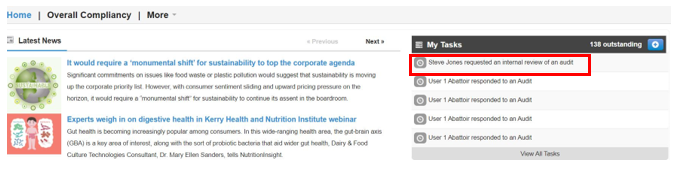
OR
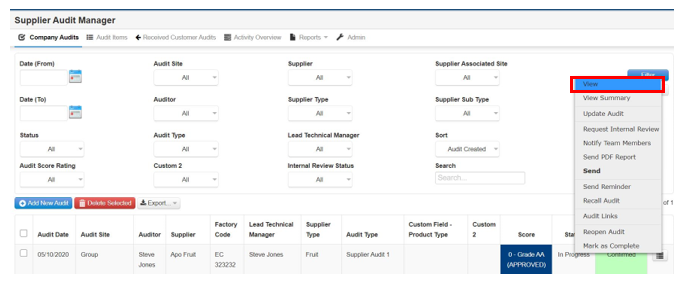
go to the Company Audits view in Supplier Audit Manager

Step 2: Now view or review the audit by selecting View
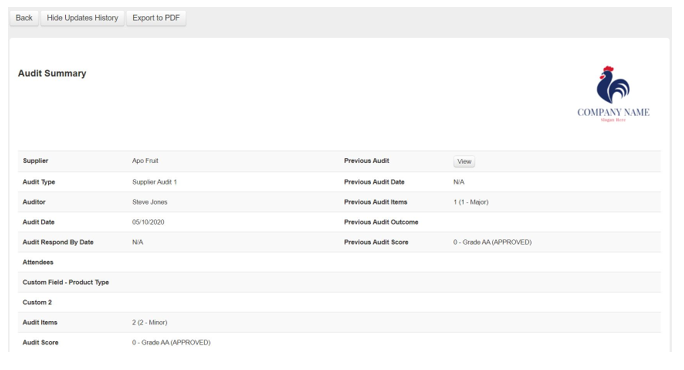
Step 3: View audit in full and select Back when done
Step 4: Then select Confirm on the audit
