![fc-logo.svg]](https://knowledgebase.foodsconnected.com/hubfs/fc-logo.svg)
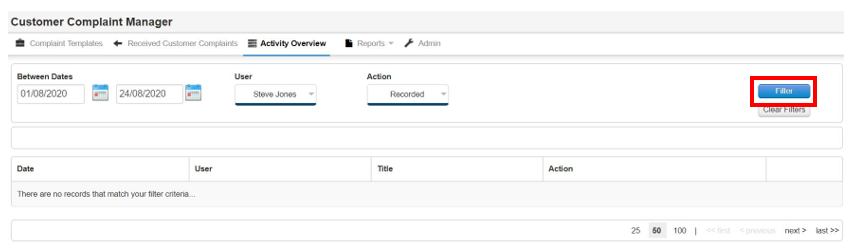
Step 1: To search for specific activity use the filters at the top of the page. Select the dates, users & actions. Once done select Filter
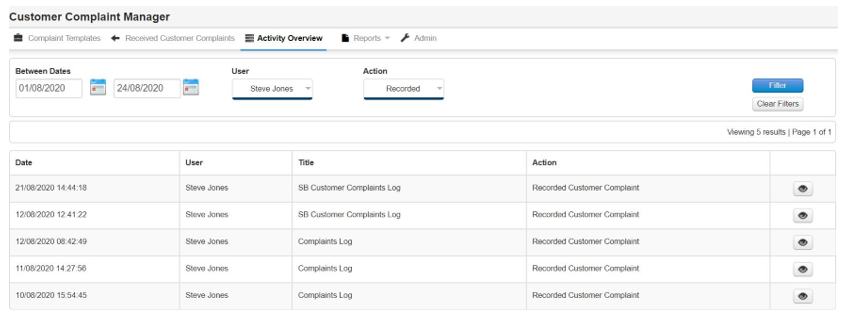
Step 2: The table will show that criteria
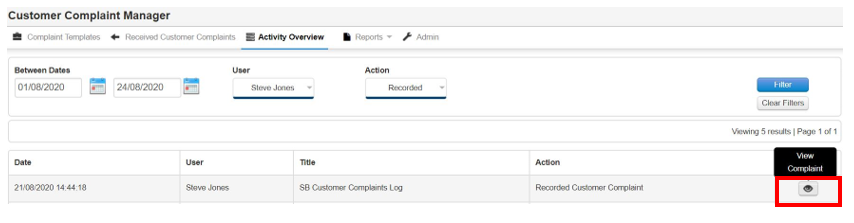
Step 3: Select the Eye Icon to view the complaint. Close when done
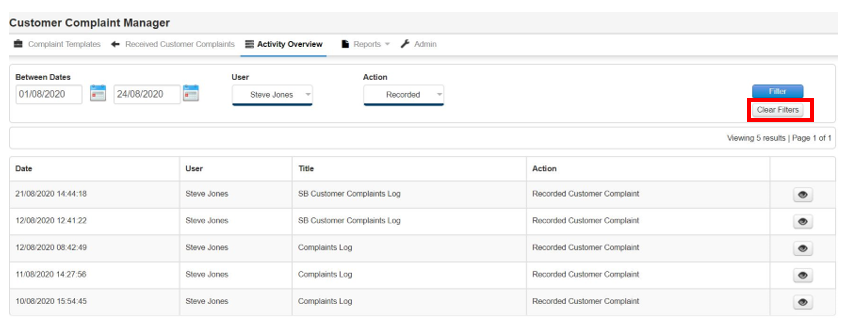
Step 4: Clear filters when done to reset the activity back to normal view.