![fc-logo.svg]](https://knowledgebase.foodsconnected.com/hubfs/fc-logo.svg)
This allows you to change what the recipient can see if you need to do that
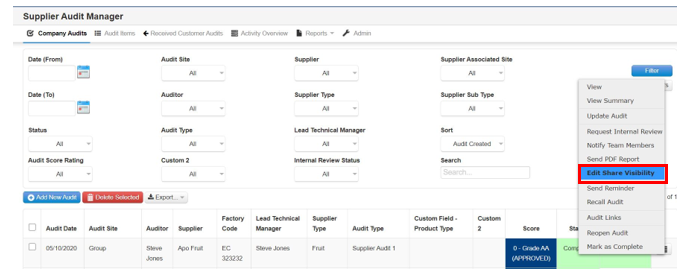
Step 1: Select the audit you want to change the share visibility with, then select Edit Share Visibility
Step 2: Select on or off for the items you want to share or not add a comment if necessary. When done select Save.
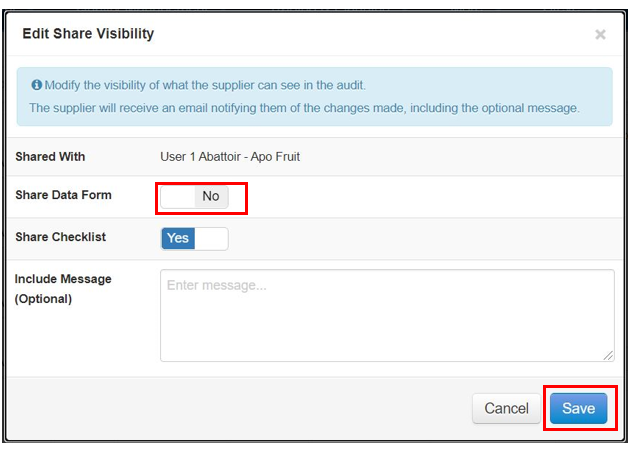
Step 3: This will now limit or increase their visibility of the audit details