To delete a response:
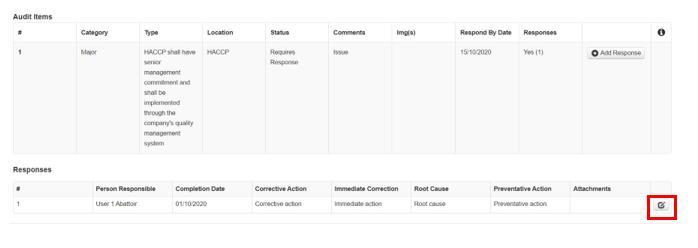
Step 1: Sign in go to the Supplier audit manager, then Respond, then select the edit button
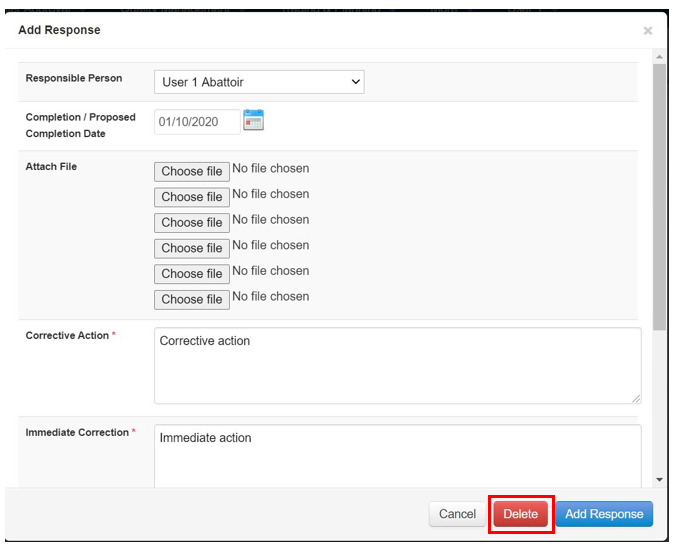
Step 2: Now edit your response as you did above & select Delete when done.
![fc-logo.svg]](https://knowledgebase.foodsconnected.com/hubfs/fc-logo.svg)
To delete a response:
Step 1: Sign in go to the Supplier audit manager, then Respond, then select the edit button
Step 2: Now edit your response as you did above & select Delete when done.