![fc-logo.svg]](https://knowledgebase.foodsconnected.com/hubfs/fc-logo.svg)
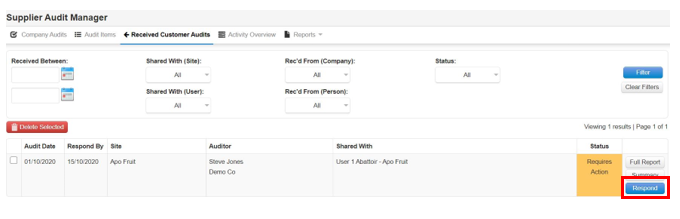
tep 1: Sign in go to the Supplier Audit Manager, select Respond
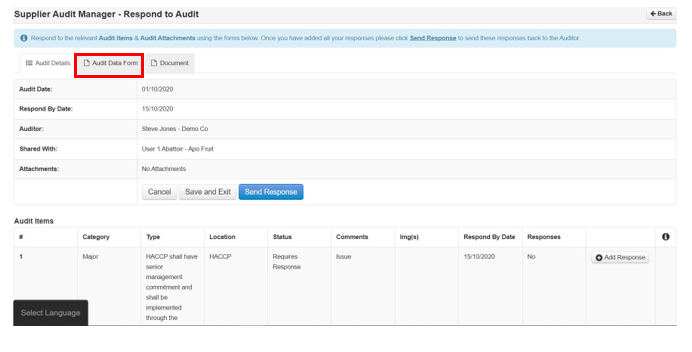
Step 2: View the audit data form if it is been shared with you by selecting Audit Data Form
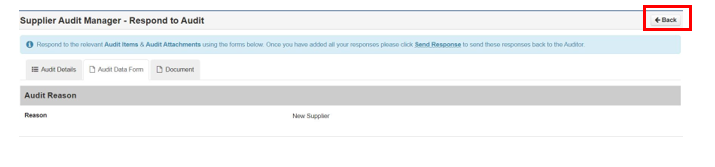
Step 3: Review and select Back when done
Step 4: Now view the checklist & document the same way as above if it has been shared with you. When complete select Audit Details again
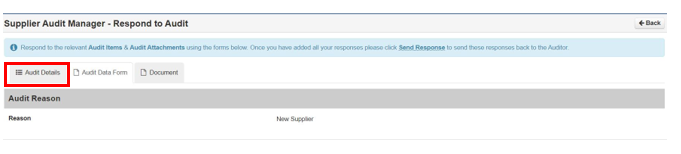
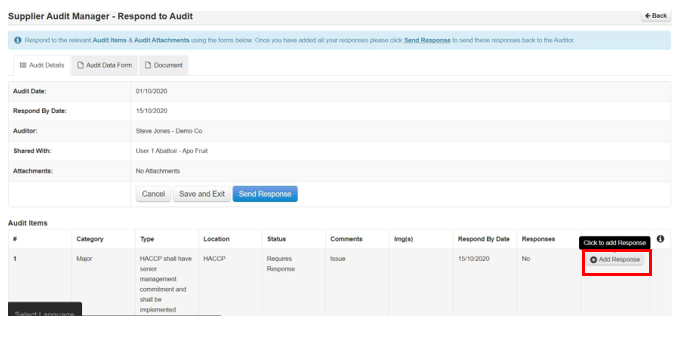
Step 5: Now view the audit items & when ready to respond select Add Response
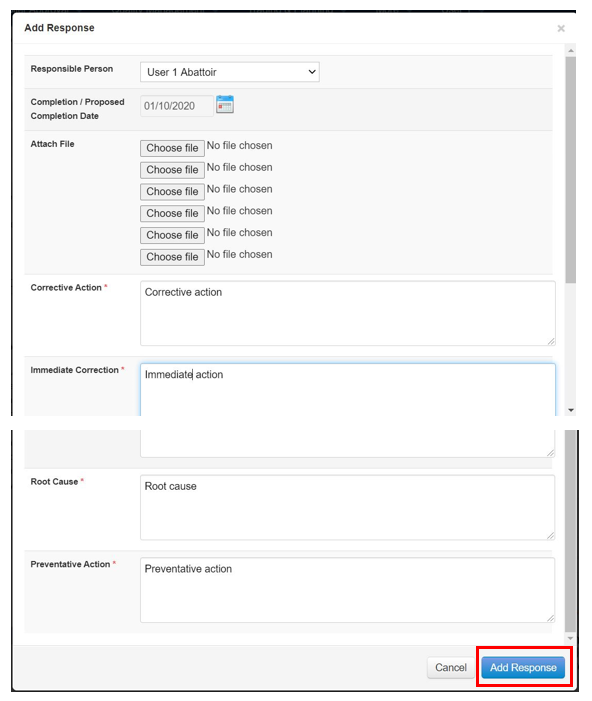
Step 6: Select the responsible person, the date and add your responses in the text areas below. When done select Add Response
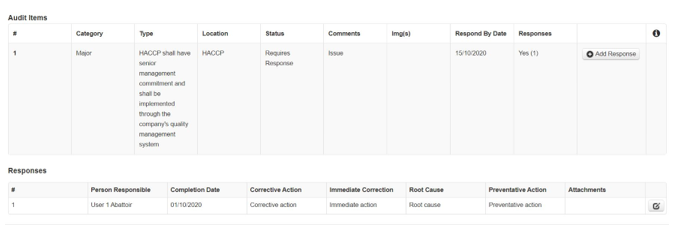
Step 7: Your added response looks like this below