![fc-logo.svg]](https://knowledgebase.foodsconnected.com/hubfs/fc-logo.svg)
Once you have finished the steps above and are happy with the responses, your next steps are now to confirm and close the Product Check
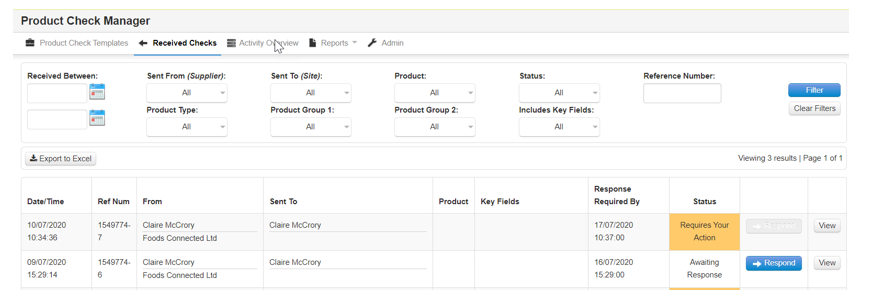
Step 1: After the above the status changes to Requires Your Action.
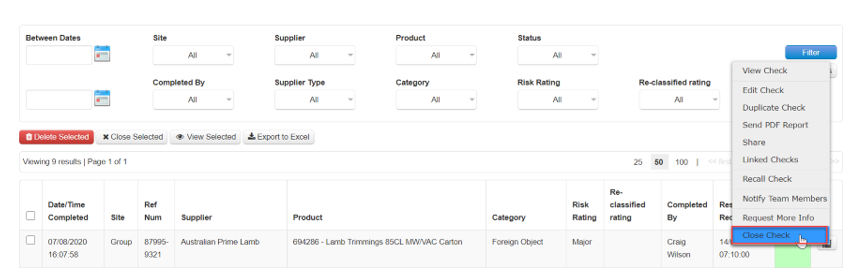
Step 2: Click on the check to open the options and select Close Check
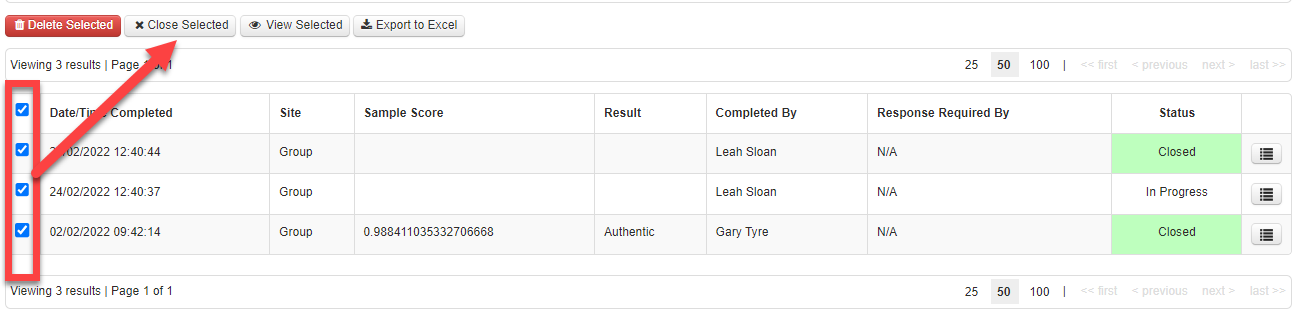
Step 3: To bulk close checks, click the checkboxes and hit “Close selected”. This will also be logged in the “Activity Overview” tab within the tool, creating a log for each check separately with the name of the user who closed.
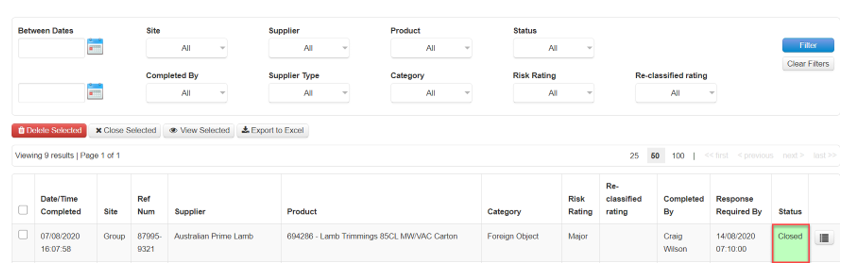
Step 4: That is the check complete and the Status reverts to Closed