![fc-logo.svg]](https://knowledgebase.foodsconnected.com/hubfs/fc-logo.svg)
Step 1: Meetings that have been shared with a user (invited attendees) will appear in the ‘My Tasks’ when logged into Foods Connected.
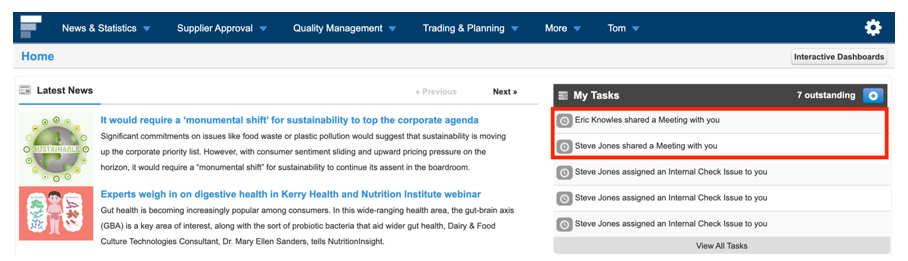
Step 2: Meeting items/actions assigned to a user will appear in the ‘My Tasks’ section and also in the Received Meetings tab.
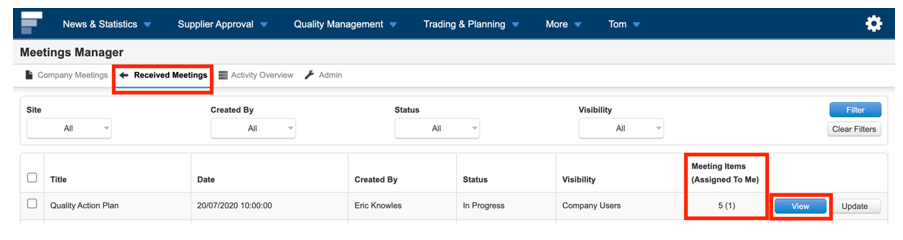
Step 3: Meeting Items assigned to you will appear in brackets next to the relevant Meeting. To view the meeting select “View”