![fc-logo.svg]](https://knowledgebase.foodsconnected.com/hubfs/fc-logo.svg)
This setting allows you to set a template to Active so it can be used to build documents. Your must have an active template before you can build a document to that template. To activate or re activate delisted templates follow these steps below.
Step 1: Select the template to activate
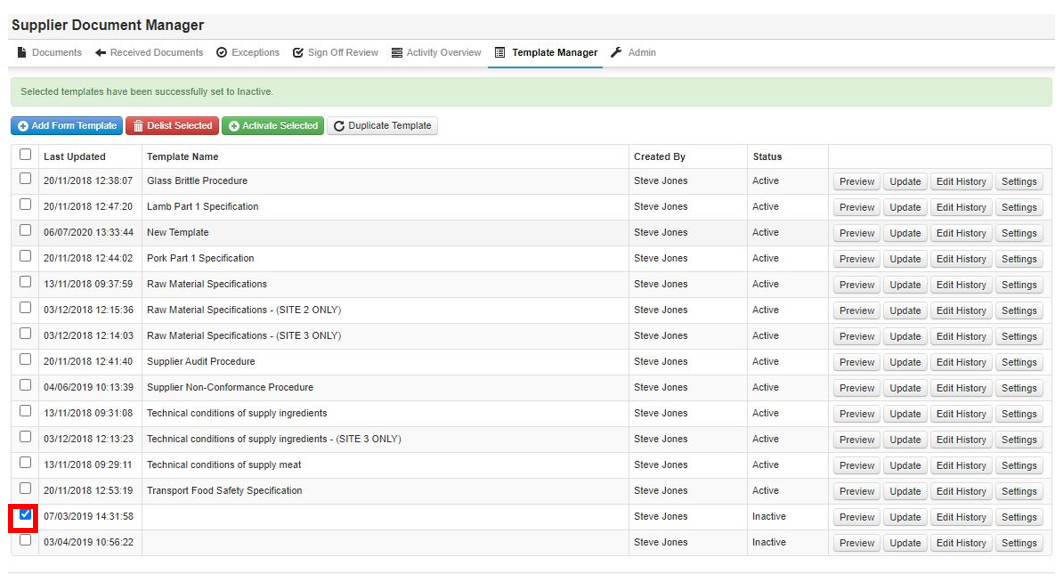
Step 2: Then select Activate Selected

Step 3: The status of that template will now revert to Active.