![fc-logo.svg]](https://knowledgebase.foodsconnected.com/hubfs/fc-logo.svg)
An Issue Template is the form that is used for your users to answer any queries that have been raised during the check. After you build the initial check follow the steps below
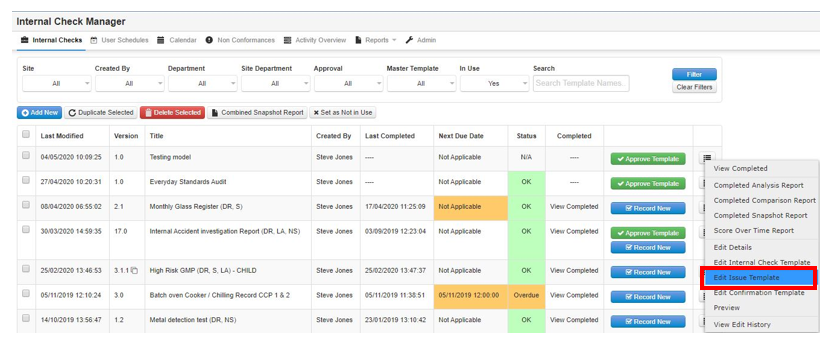
Step 1: Go back to the main table and select the radio button to the right of your check & select Edit Issue Template
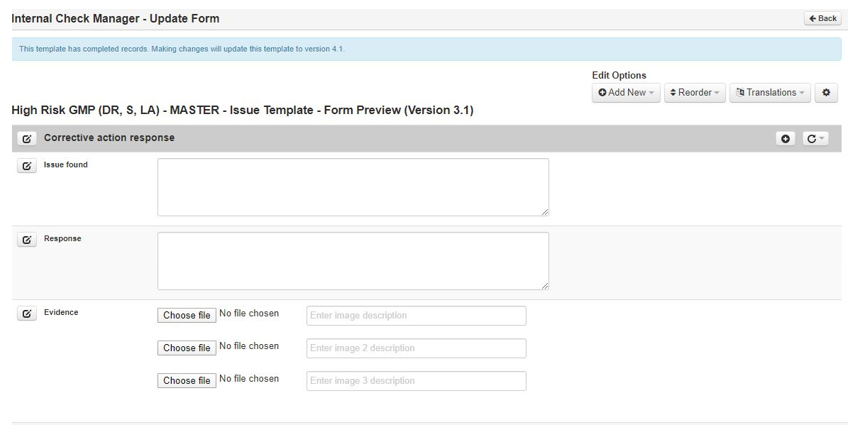
Step 2: Follow the steps above that you used to build the actual check to build the Issue Template/Non- conformance Form. The same functions are used. Your form may end up looking like this example below