![fc-logo.svg]](https://knowledgebase.foodsconnected.com/hubfs/fc-logo.svg)
Types are the questions or defined areas within the locations
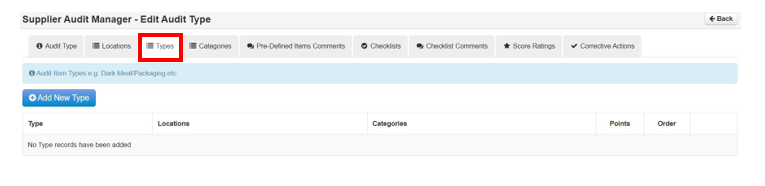
Step 1: Select Types
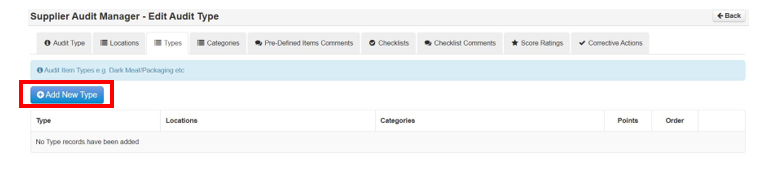
Step 2: Select Add New Type
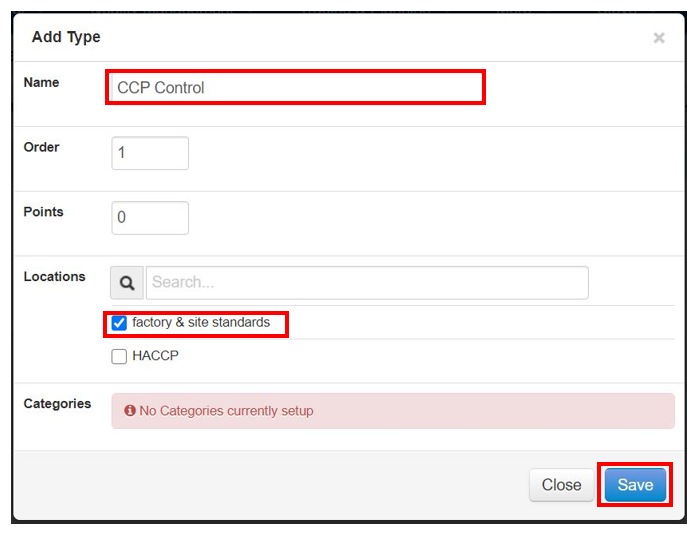
Step 3: Now add the name or question and set the points depending on the score settings you are using. Then link the Type/Question to the location as this is where it is found. Select Save when done.
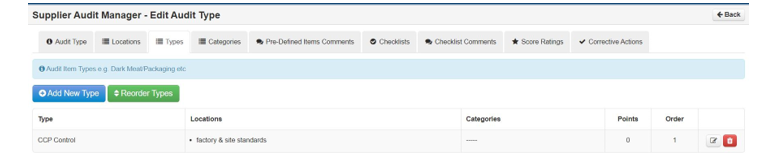
Step 4: Your Types begin to look like this as you build them up