![fc-logo.svg]](https://knowledgebase.foodsconnected.com/hubfs/fc-logo.svg)
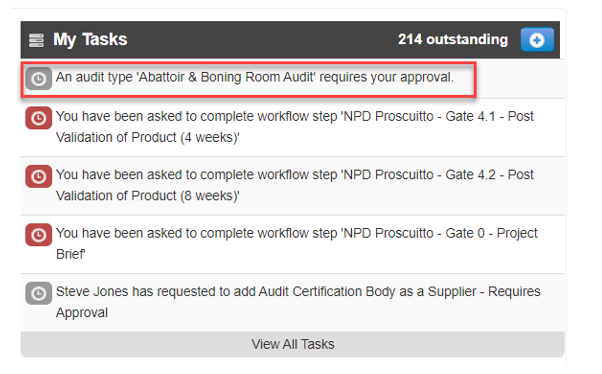
Step 1: From the users task list click on the task stating that an audit requires approval
Or
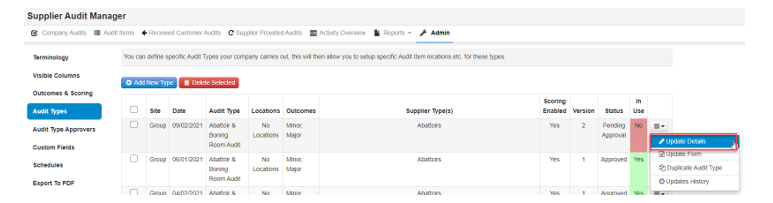
Step 1: From the view of Audit Types (within Admin of Supplier Audit Manager) select the menu button and click on Update Details
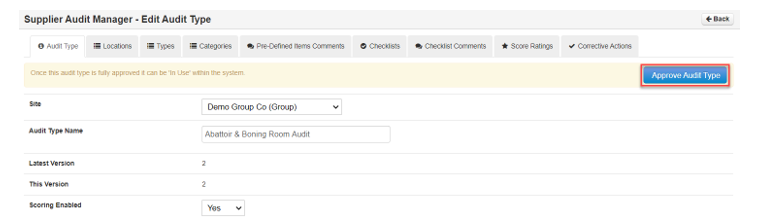
Step 2: From this view the approver is able to review all of the audit details and can select the Approve Audit Type button when satisfied with the changes
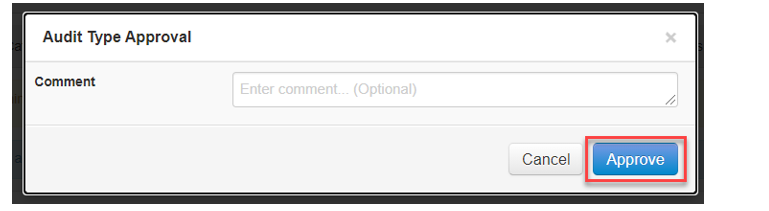
Step 3: Add a comment (if required) and select the Approve button
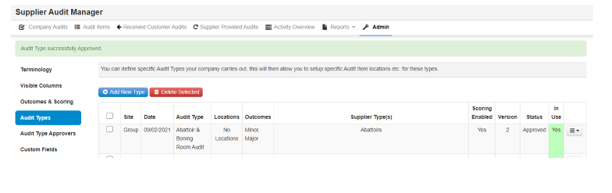
The audit will then have the status of Approved and will be the version of that template in use when new audits are carried out (and audits started on the previous version of the template will continue without change)