![fc-logo.svg]](https://knowledgebase.foodsconnected.com/hubfs/fc-logo.svg)
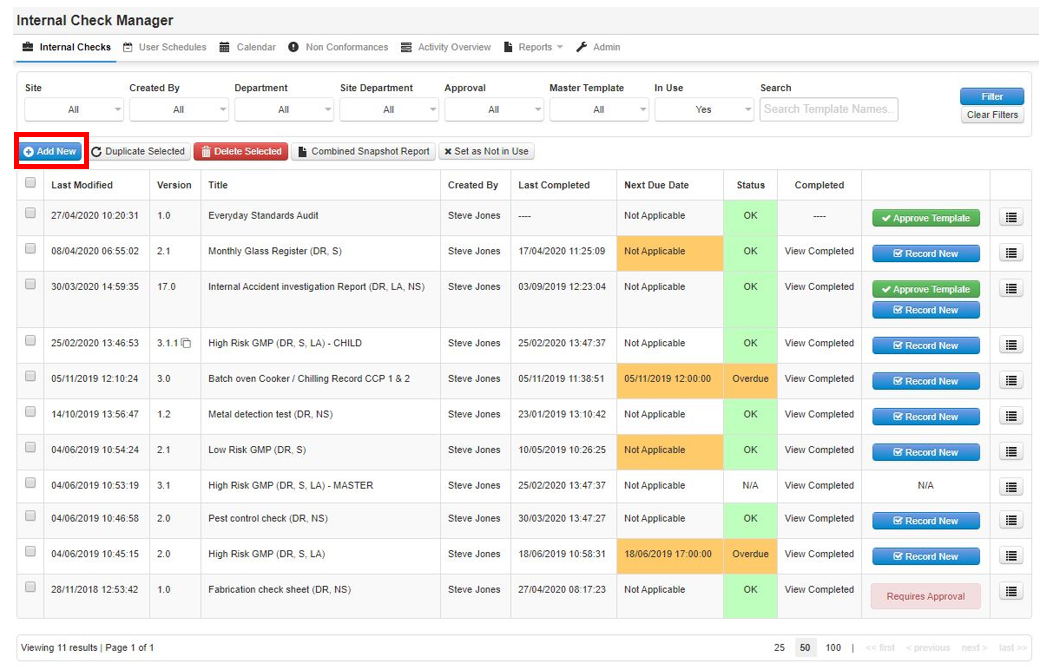
Step 1: Sign in and go to the Internal Check Manager under Quality Management then select Add New.
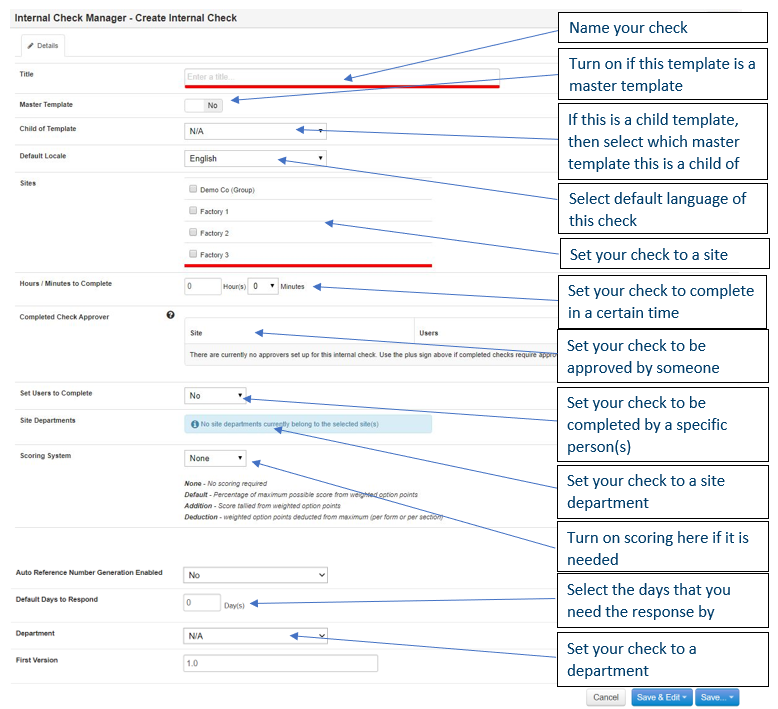
Step 2: This is where you setup the details for that Internal Check.
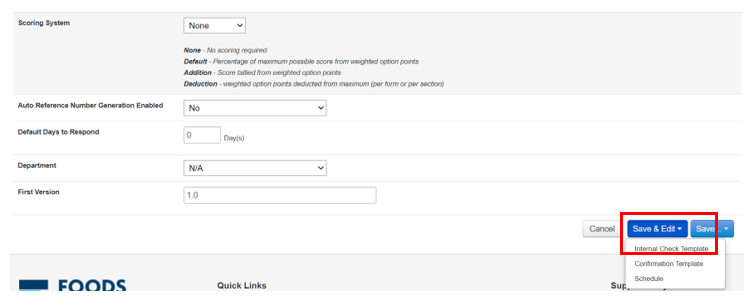
Step 3: Once the details are completed, select Save & Edit then select Internal Check Template