![fc-logo.svg]](https://knowledgebase.foodsconnected.com/hubfs/fc-logo.svg)
The template can be completed by sharing it to a supplier (external) or by generating the template and completing it from your end (Internal).
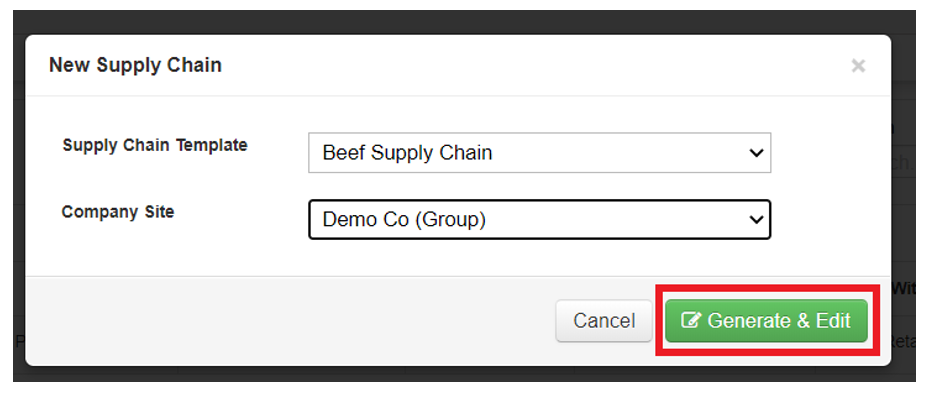
Step 1: Select the Supply Chain List tab and click on New Supply Chain button. This will give you two options, select the Generate & Edit option.

Please follow the steps in ‘3. Completing the Supply Chain’ on how to complete the supply chain.