![fc-logo.svg]](https://knowledgebase.foodsconnected.com/hubfs/fc-logo.svg)
Step 1: Sign in and go to My Tasks, you will see a task You have received a response to an ingredient incident shared. Or you can go to the Incident Manager under Supplier Approval then select Company Incident Shares
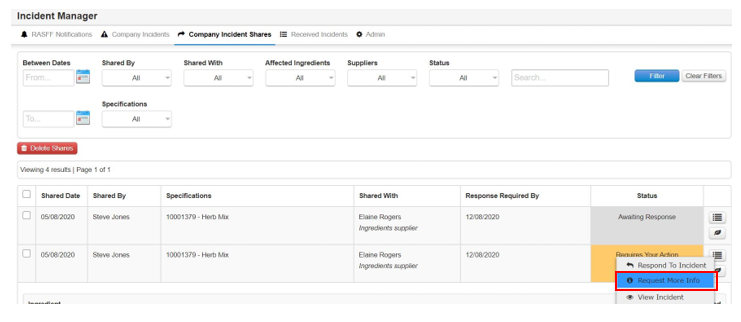
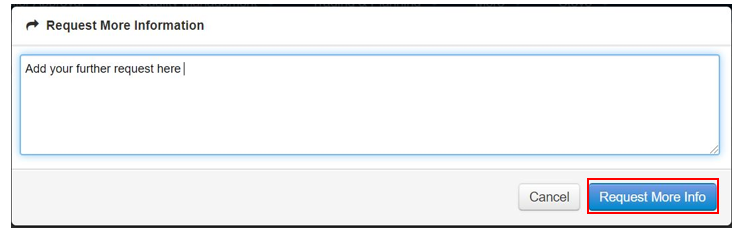
Step 2: Add your details here. Once done select Request More Info
Step 3: The status reverts to Awaiting Response

Step 4: When the supplier adds further info you will get a notification. Now select it

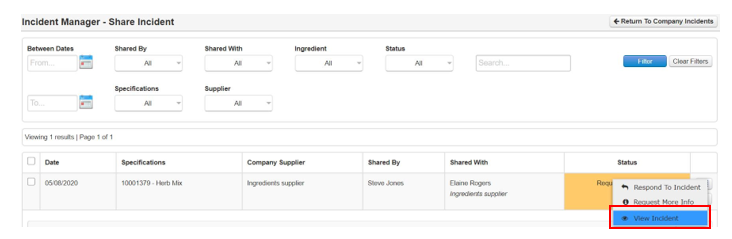
Step 5: You can view the incident again, selecting View Incident
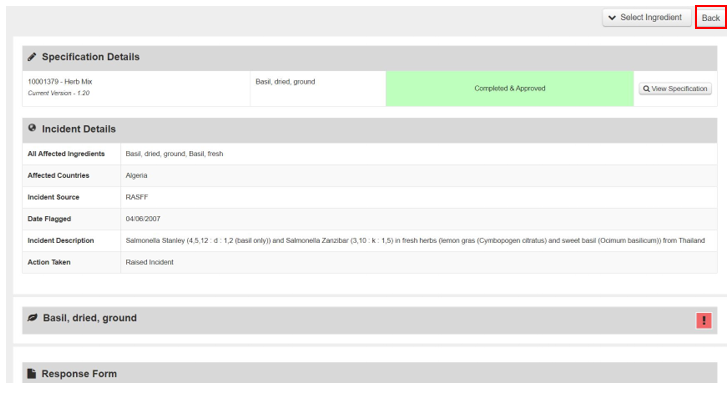
Step 6: View incident, select Back when done