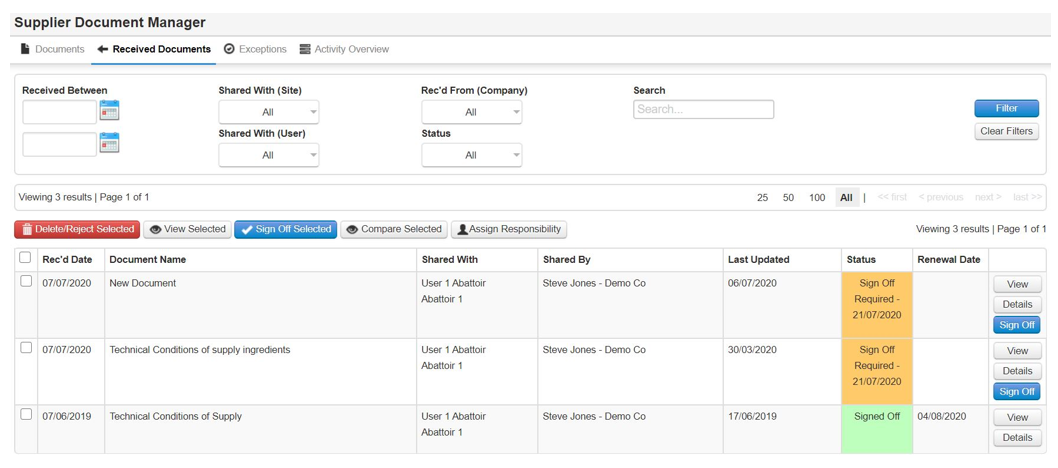
Step 1: Sign in and go to My Tasks, you will see a task to shared document (Sign off Req). Or you can go to the Received Supplier Documents under Supplier Approval.
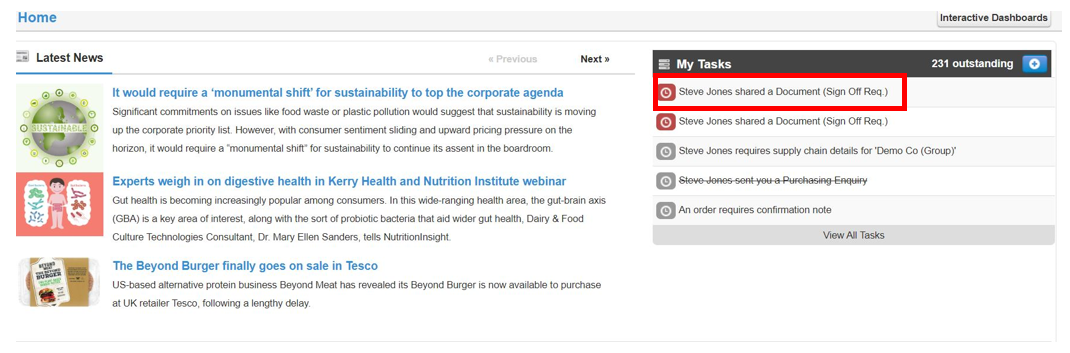
or
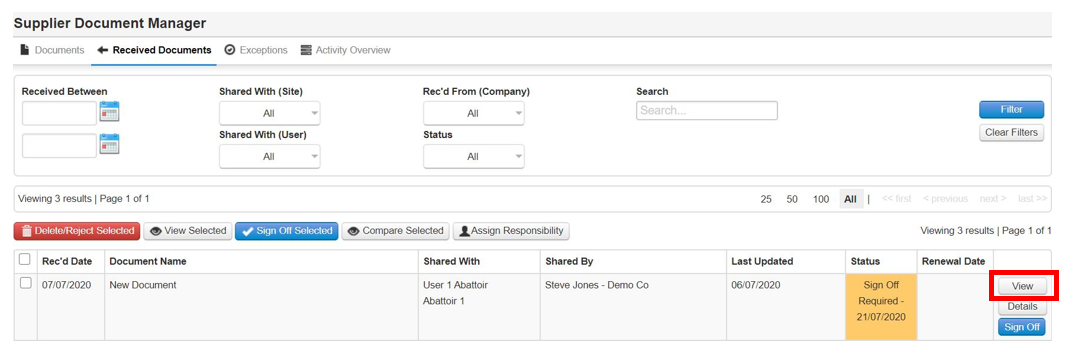
Step 2: Select view
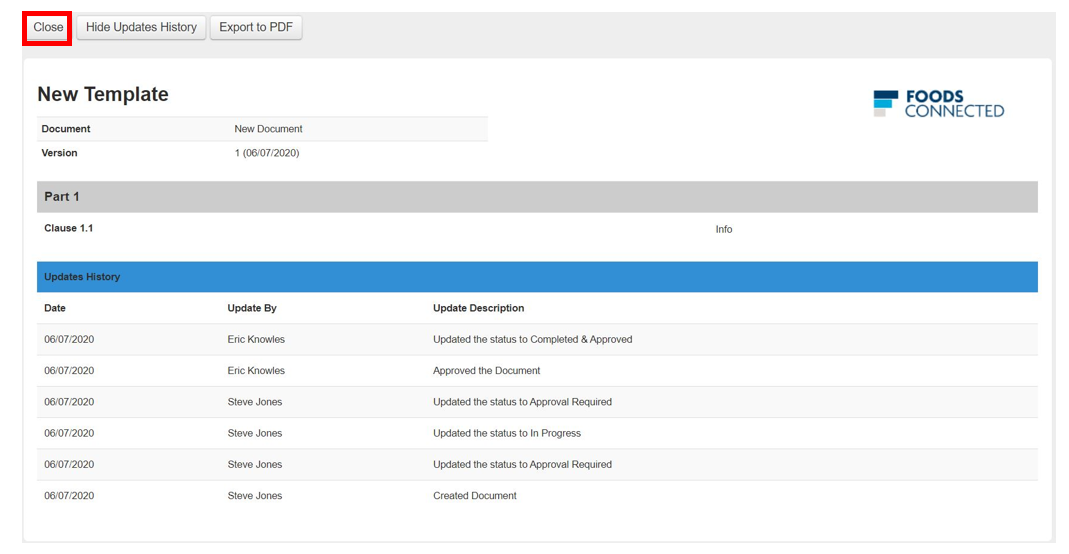
Step 3: View document in full, once done select Close
![fc-logo.svg]](https://knowledgebase.foodsconnected.com/hubfs/fc-logo.svg)
Step 1: Sign in and go to My Tasks, you will see a task to shared document (Sign off Req). Or you can go to the Received Supplier Documents under Supplier Approval.
or
Step 2: Select view
Step 3: View document in full, once done select Close