![fc-logo.svg]](https://knowledgebase.foodsconnected.com/hubfs/fc-logo.svg)
You can setup individual approvers for certain suppliers on Foods Connected allowing the correct people to approve them.
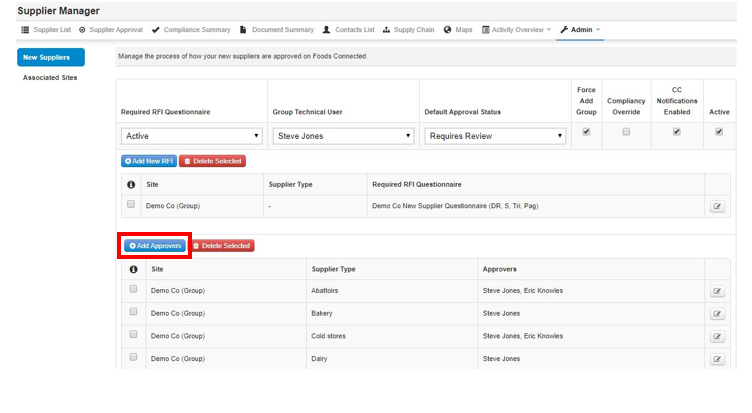
Step 1: Select Admin - Supplier Approval Admin - Add Approvers
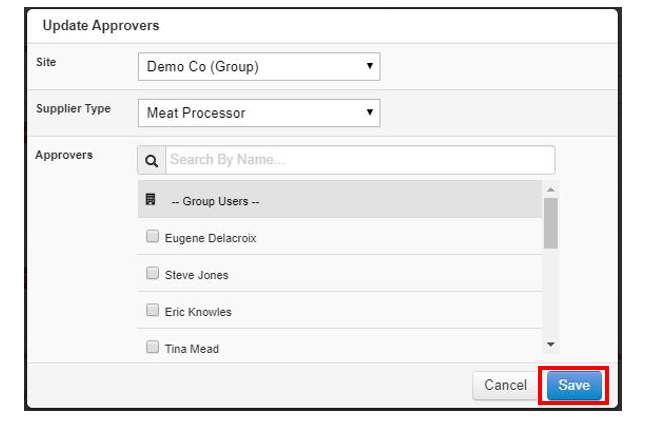
Step 2: Select the Site that this relates too, then the Supplier Type that your User or Team is the dedicated approver for, then choose the user and select Save
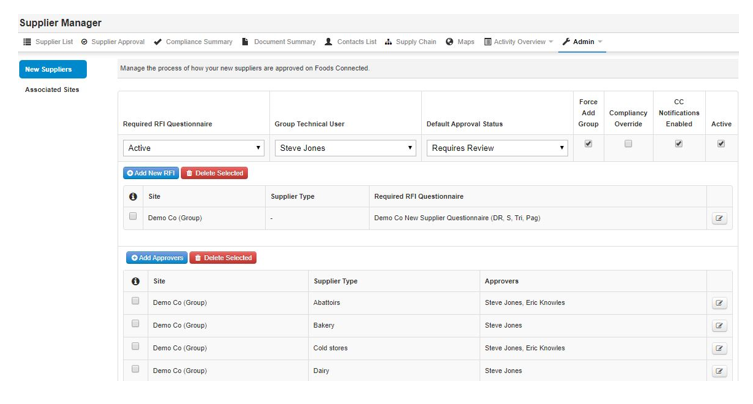
Step 3: Approvers will appear as per screenshot below
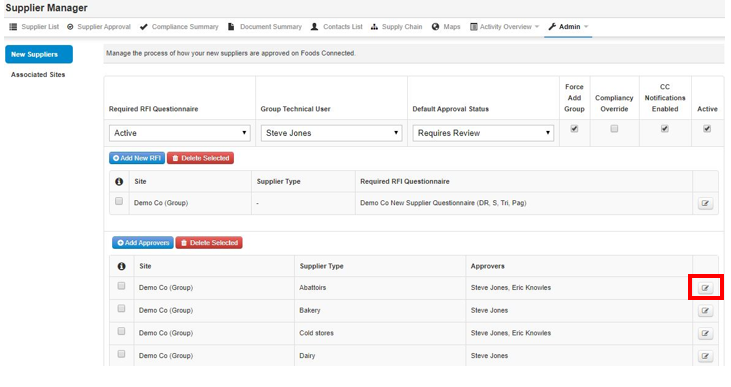
Step 4: To edit an approver simply select the edit button beside and follow step 2 again