![fc-logo.svg]](https://knowledgebase.foodsconnected.com/hubfs/fc-logo.svg)
Step 1: Select Quality Management tab and select Specification Manager. Select the Admin tab, selecting General Admin.
Step 2: Select the Export to PDF section to set up PDF options for your specifications.
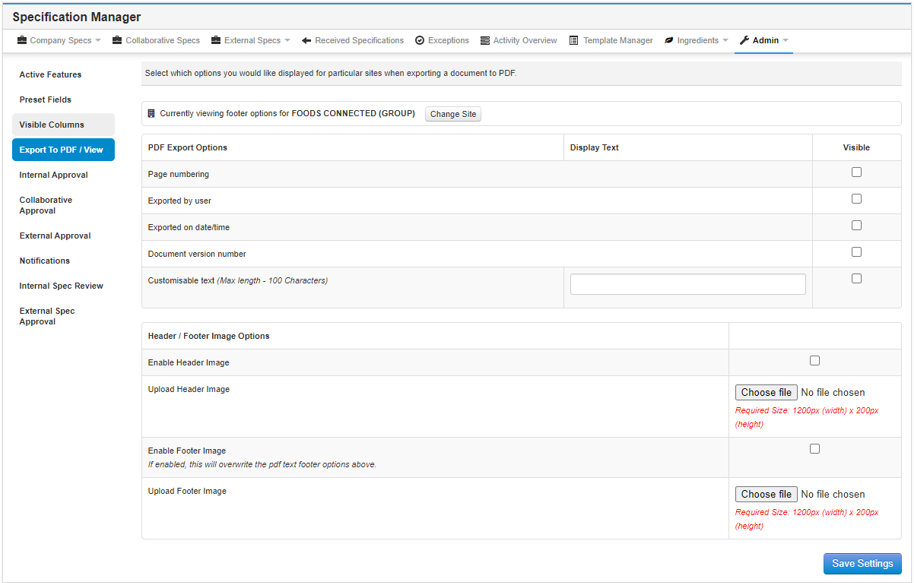
Step 3: To turn on any of the PDF Export Options, tick the relevant checkbox(es) and click on Save Settings to save your selection.
Step 4: To set up a header or footer image, tick the relevant checkbox(es) and click on Choose File to upload your header/footer image. Make sure to click on Save Settings to save your setup.