![fc-logo.svg]](https://knowledgebase.foodsconnected.com/hubfs/fc-logo.svg)
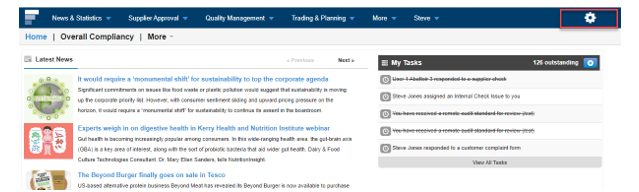
Step 1: Log in to your Foods Connected account and select the ‘Settings Cog’ icon.
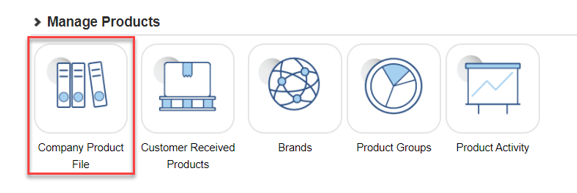
Step 2: Navigate to ‘Company Product File’ under ‘Manage Products’
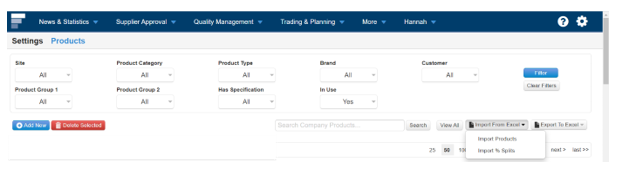
Step 3: Select ‘Import From Excel’ and ‘Import % Splits’.
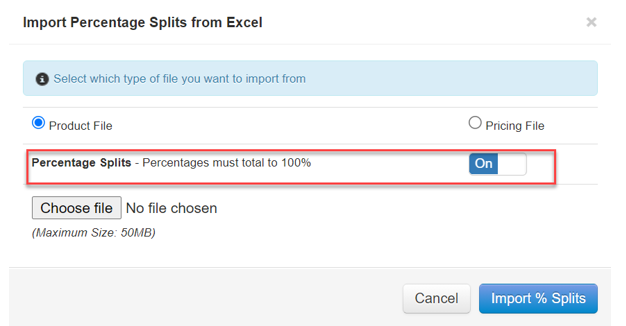
Step 4: Toggle switch can be turned on/off to allow for imports whereby the total does not add up to 100% as shown below: