![fc-logo.svg]](https://knowledgebase.foodsconnected.com/hubfs/fc-logo.svg)
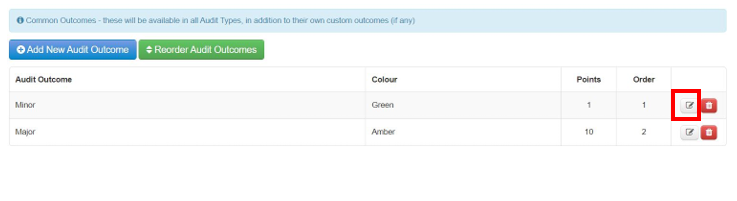
Step 1: To set your audit outcomes you can do so here as default outcomes for all audits. Select Add New Audit Outcomes

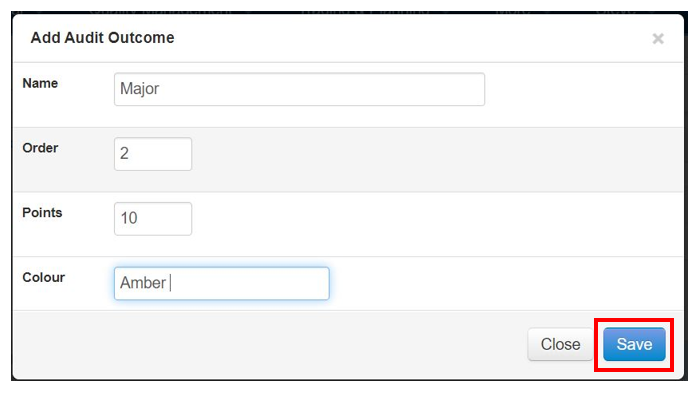
Step 2: Add the name, points & colour. When done select Save.
Step 3: Your outcomes begin to look like this below. Repeat these steps to add further outcomes.
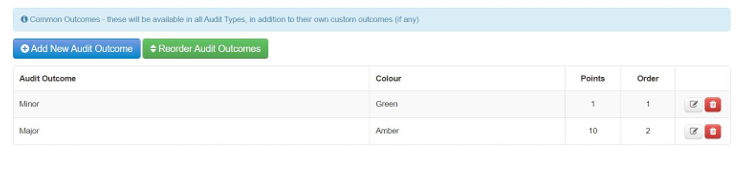
Step 4: To edit these, select the edit button and change the detail as in the steps above. Or to delete, simply select the delete button.