![fc-logo.svg]](https://knowledgebase.foodsconnected.com/hubfs/fc-logo.svg)
When access is restricted only admins have access to add/edit/delete product groups and brands
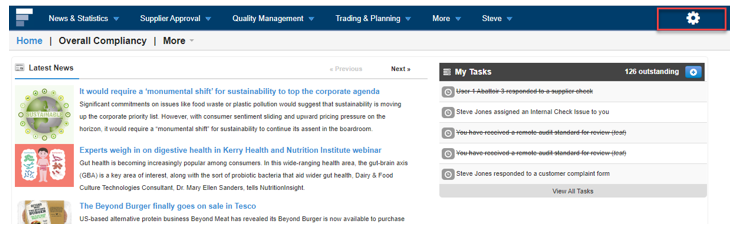
Step 1: Log in to your Foods Connected account and select the ‘Settings Cog’ icon.
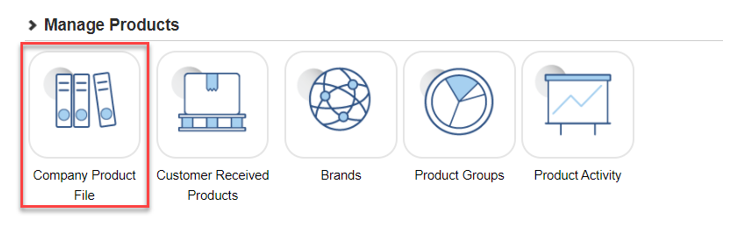
 Step 2: Navigate to ‘Company Product File’ under ‘Manage Products’
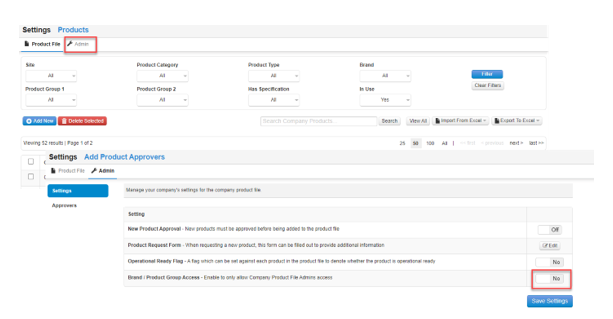
 Step 3: Select the ‘Admin’ tab and in the settings turn the Brand/Product Group Access to ‘On’ and select ‘Save Settings’.