![fc-logo.svg]](https://knowledgebase.foodsconnected.com/hubfs/fc-logo.svg)
Visible columns allows you to set what fields from the documents are visible in the main table that displays your document library.
*Please Note these are only applicable when you have a subscription to Supply Chain Manager*
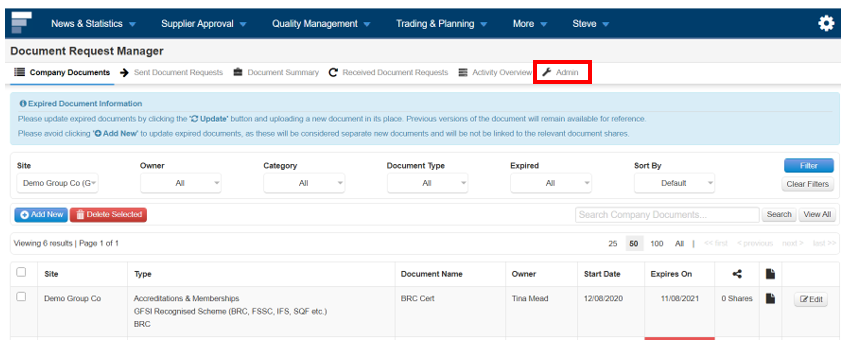
Step 1: Select Admin
Step 2: Then select Visible Columns on the left. From here you can select what columns you want to show in the main table by selecting them.
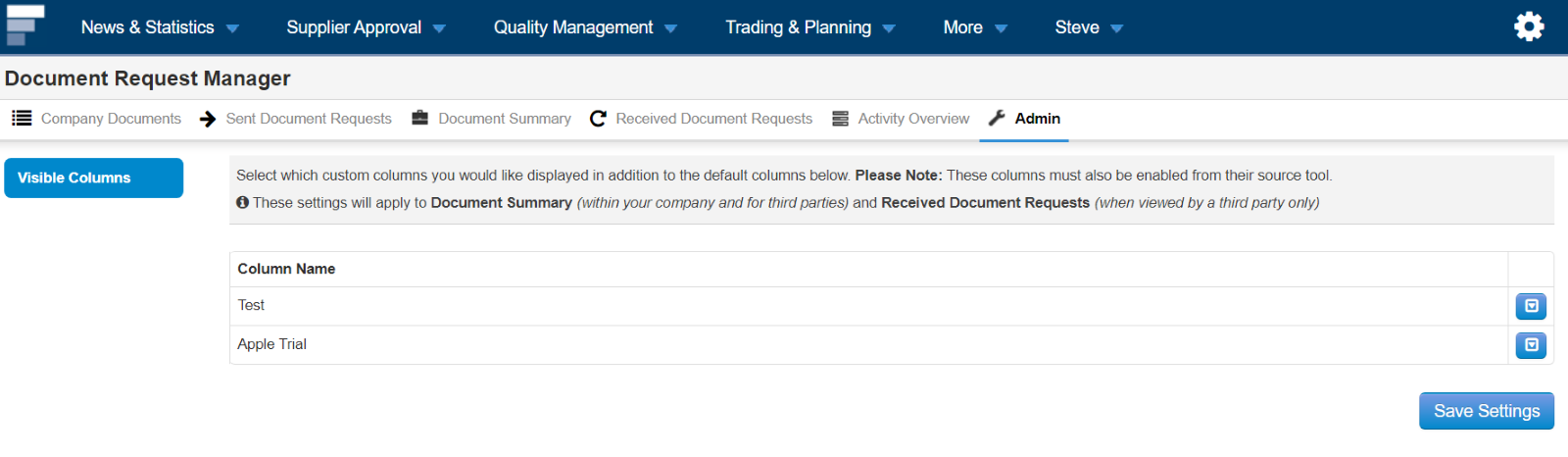
Step 3: Once done, select Save Settings