![fc-logo.svg]](https://knowledgebase.foodsconnected.com/hubfs/fc-logo.svg)
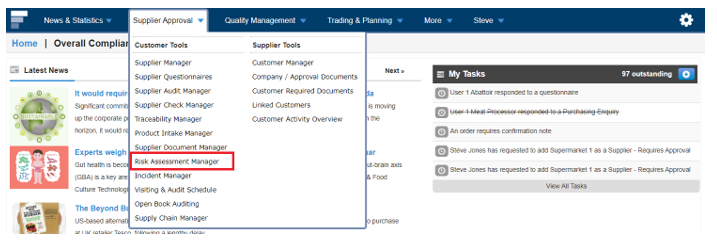
Step 1: Sign in to Foods Connected and select Supplier Approval then select Risk Assessment Manager
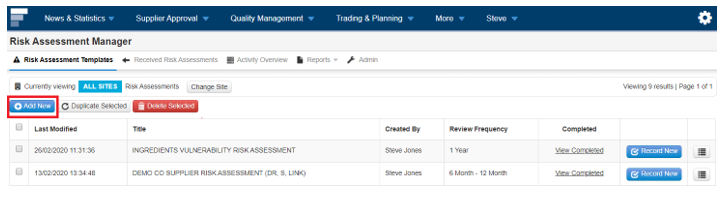
Step 2: Select Add New
This will open a page to enter the Risk Assessment Details.
Step 3: Complete Risk Assessment Template Details.

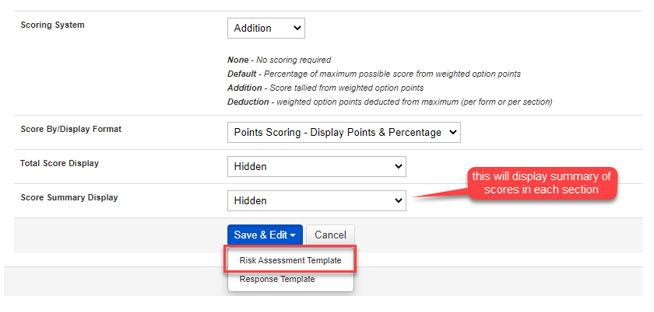
Step 4: Select how the score is displayed using Score By/Display Format Total and use the Score Display if only the scoring criteria description is required to appear. Select Shown in Score Summary Display if a breakdown of scoring per section is required. Once all details have been entered Select Save & Edit then select Risk Assessment Template.
This will open a page to create the Risk Assessment Template