![fc-logo.svg]](https://knowledgebase.foodsconnected.com/hubfs/fc-logo.svg)
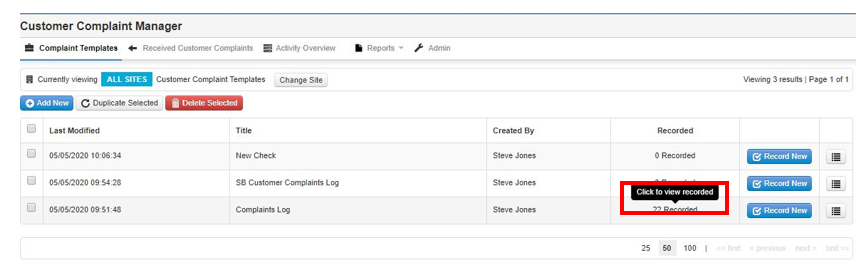
Step 1: Once a check is complete, go back to the Customer Complaints Manager and select view recorded on the form that you used
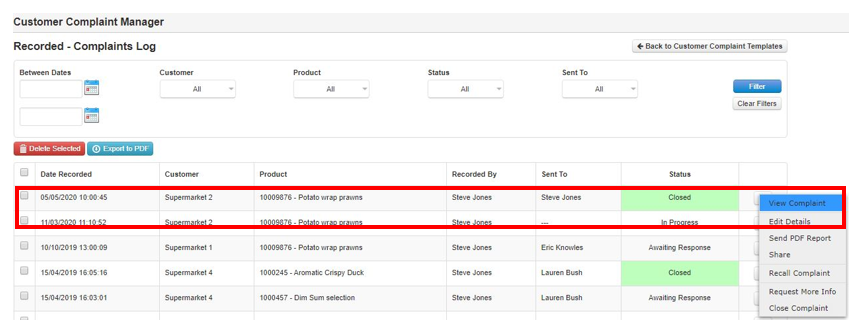
Step 2: A list of all the completed & pending checks will show
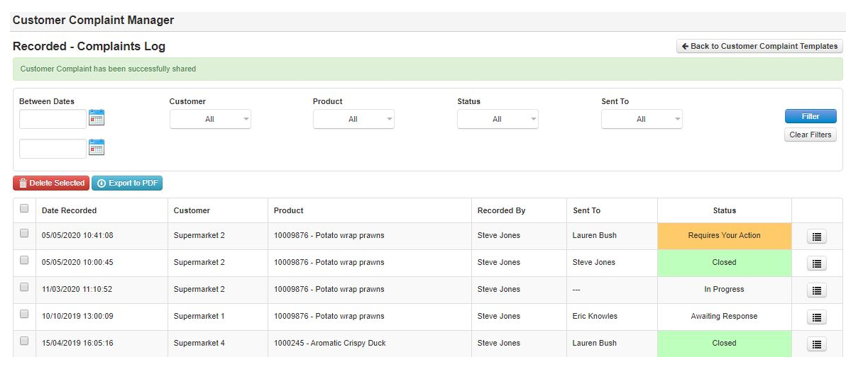
Step 3: You can view each Complaint by selecting View Complaint. From here you can also edit the check, share it, request more info or Close complaint
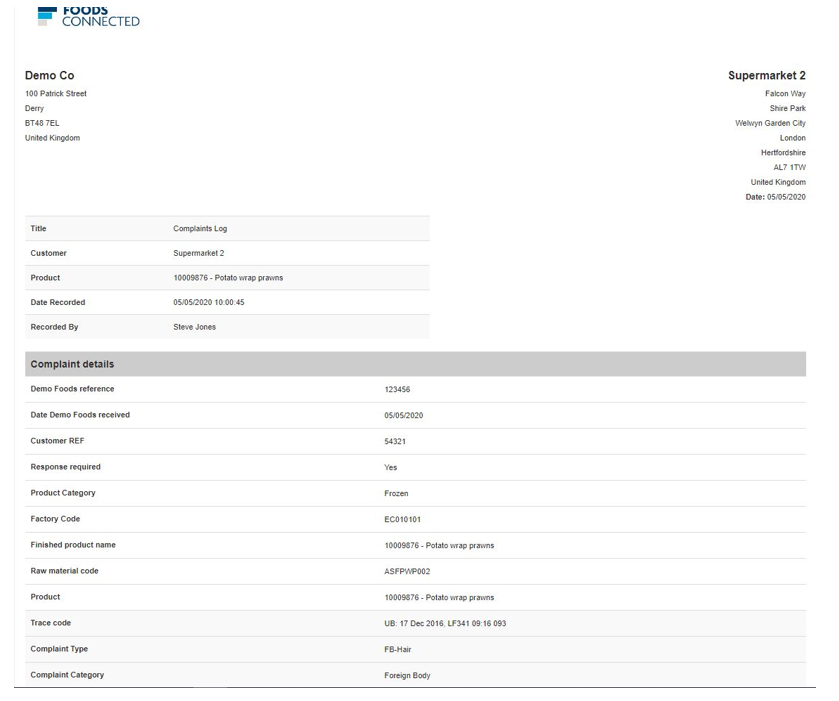
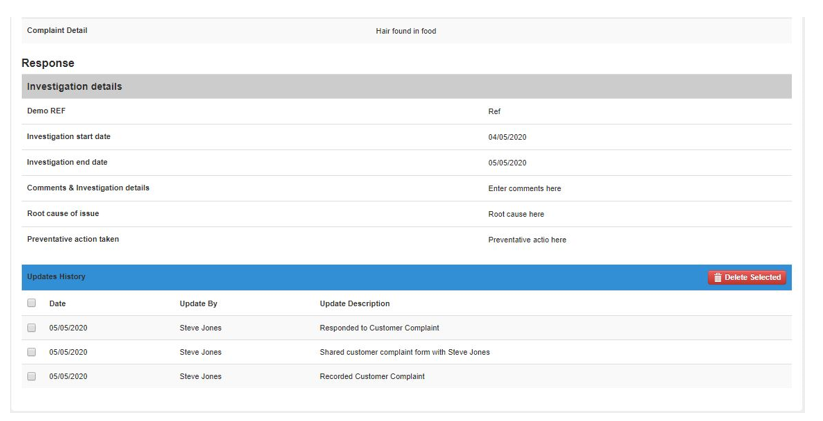
Step 4: The completed check with investigation details will look like this below